Overview - Online Help
40
User's Guide
1 O
VERVIEW
Online information
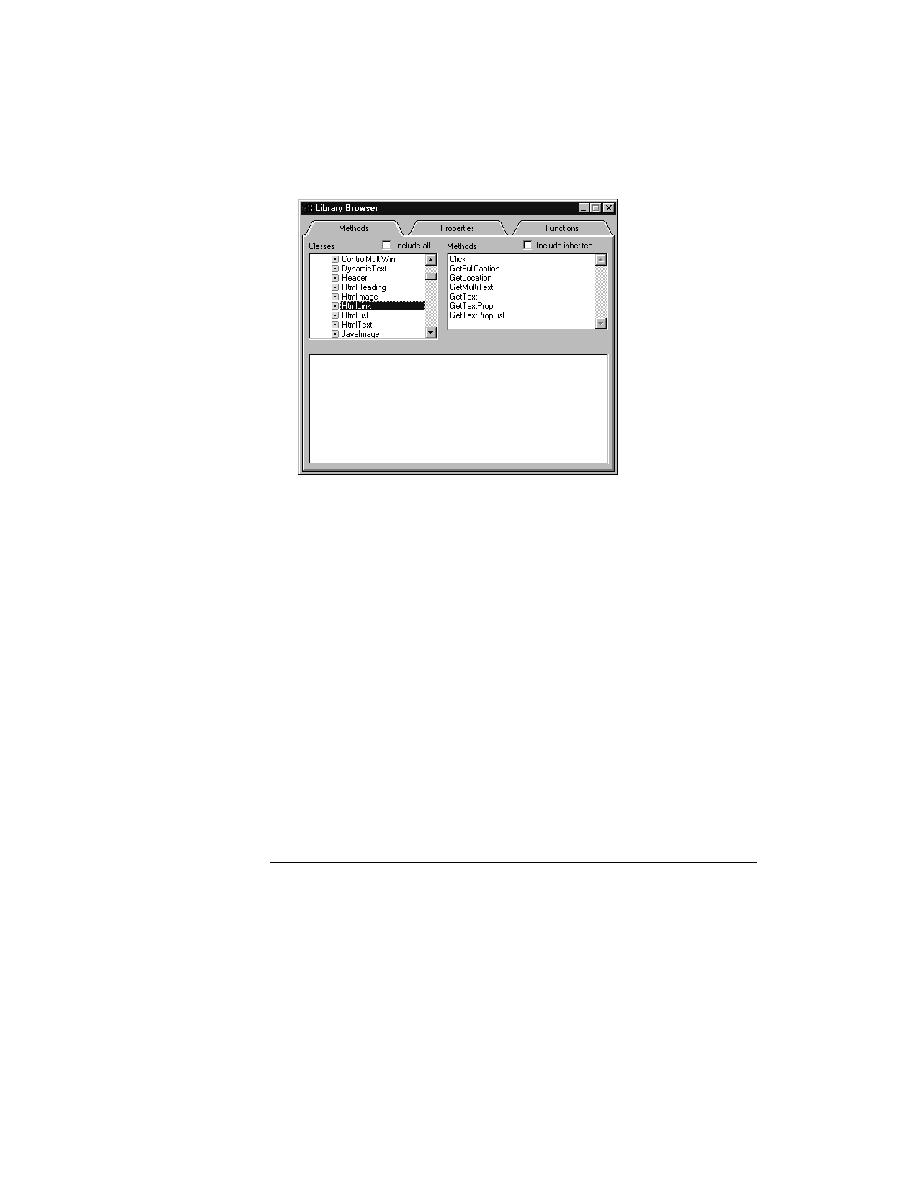
Note If the Library Browser isn't displaying your user-defined
objects, close the Library Browser, recompile the include files that
contain your user-defined objects (Run/Compile), then reopen the
Library Browser.
Looking at built-in
functions
Procedure To see the built-in functions:
1
Select the Functions tab.
2
Select the category of functions you want in the Groups list box. To see
all built-in 4Test functions, select the Include All check box.
Functions are listed in the Functions list box.
3
Select the function you are interested in.
You see a description of the function as well as syntax and parameters.
Enhancing the
contents of the Library
Browser
You can add to the standard contents of the Library Browser to provide more-
complete online documentation of your user-defined methods, properties, and
functions.
Online Help
Select Help/Help Topics to invoke online Help, which provides a wealth of
information, including the comprehensive reference for all 4Test language
constructs. For information about what is in online Help, read the About This
Help topic.
