background image
<< Debugger - Executing a script in the debugger | Debugger - Viewing the debugging transcript >>
Debugger - Stepping into and over functions
<< Debugger - Executing a script in the debugger | Debugger - Viewing the debugging transcript >>
176
User's Guide
7 U
SING
THE
D
EBUGGER
Executing a script in the debugger
Procedure To continue execution, do one of the following:
·
Select Debug/Continue.
SilkTest runs the script until it hits the next breakpoint, an error occurs,
or the script ends.
·
Select Debug/Step Into, Debug/Step Over, or Debug/Finish Function to
run a smaller chunk of your script, as described next.
Stepping into and over functions
Sometimes the key to locating a bug in your code is to divide the script up
into discrete functions, and debug each function separately. One good way to
do this is with the Step Into, Step Over, and Finish Function commands on
the Debug menu (also available on the toolbar). These commands let you run
and test functions individually.
Step Into command
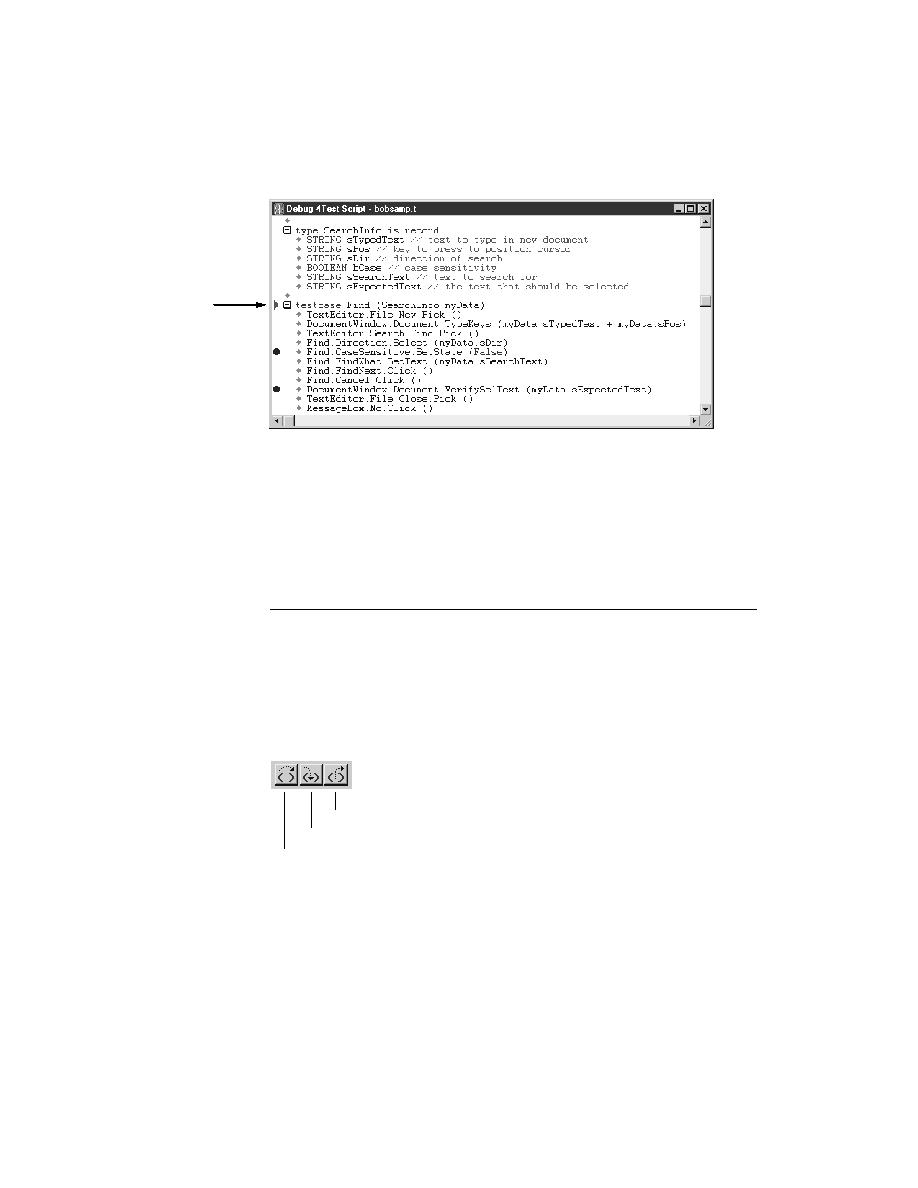
You use the Step Into command to execute the next line in a script. If the line
contains a function call, control passes into the function. You can use Step
Into to step through the function one line at a time, executing each line in turn
as you go.
Line
stopped at
Step Over
Step Into
Finish Function