Host Connections
Troubleshooting
LoadRunner Controller User's Guide (Windows)
365
Host Connections
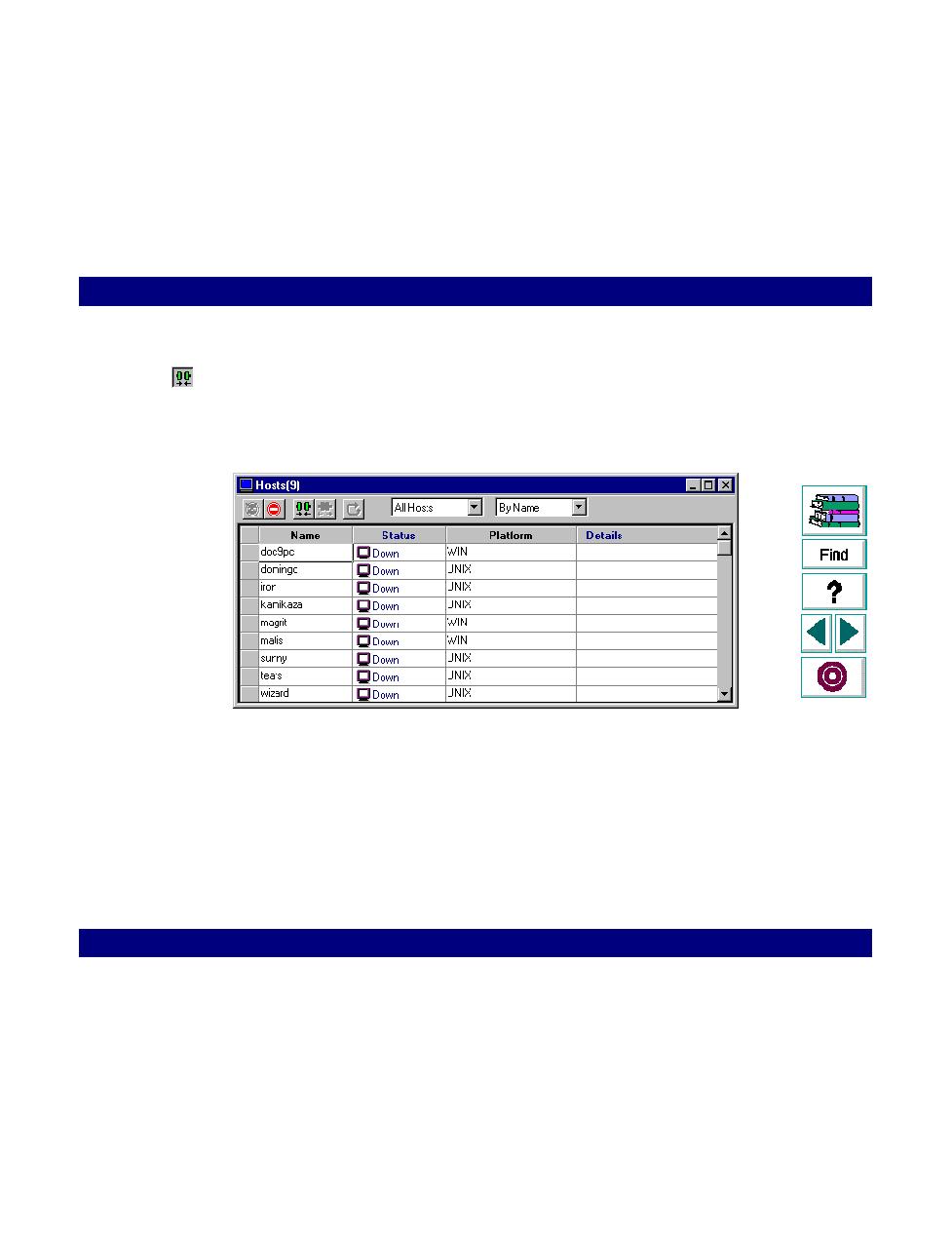
To verify the host connectivity, connect to each one of the remote hosts from the
Controller's Host window. Specify a platform, WIN or UNIX, for each host by
double-clicking the Platform field. Select the host(s) and click the Connect button.
The status changes to
Connecting
.
If the Connection fails, the status changes to
Fail
and details are written to the
Details box. Double-click the details box for more information about a failure.
