Modifying a Form Submission Step
Creating Vuser Scripts
Chapter 22, page 364
Web Vuser Scripts · Modifying Web Vuser Scripts
In
Modifying a Form Submission Step
You can modify the properties of a form submission step in the graphical
representation of a Vuser script. The properties that you can modify are the name
of the step, and how the form submission is identified.
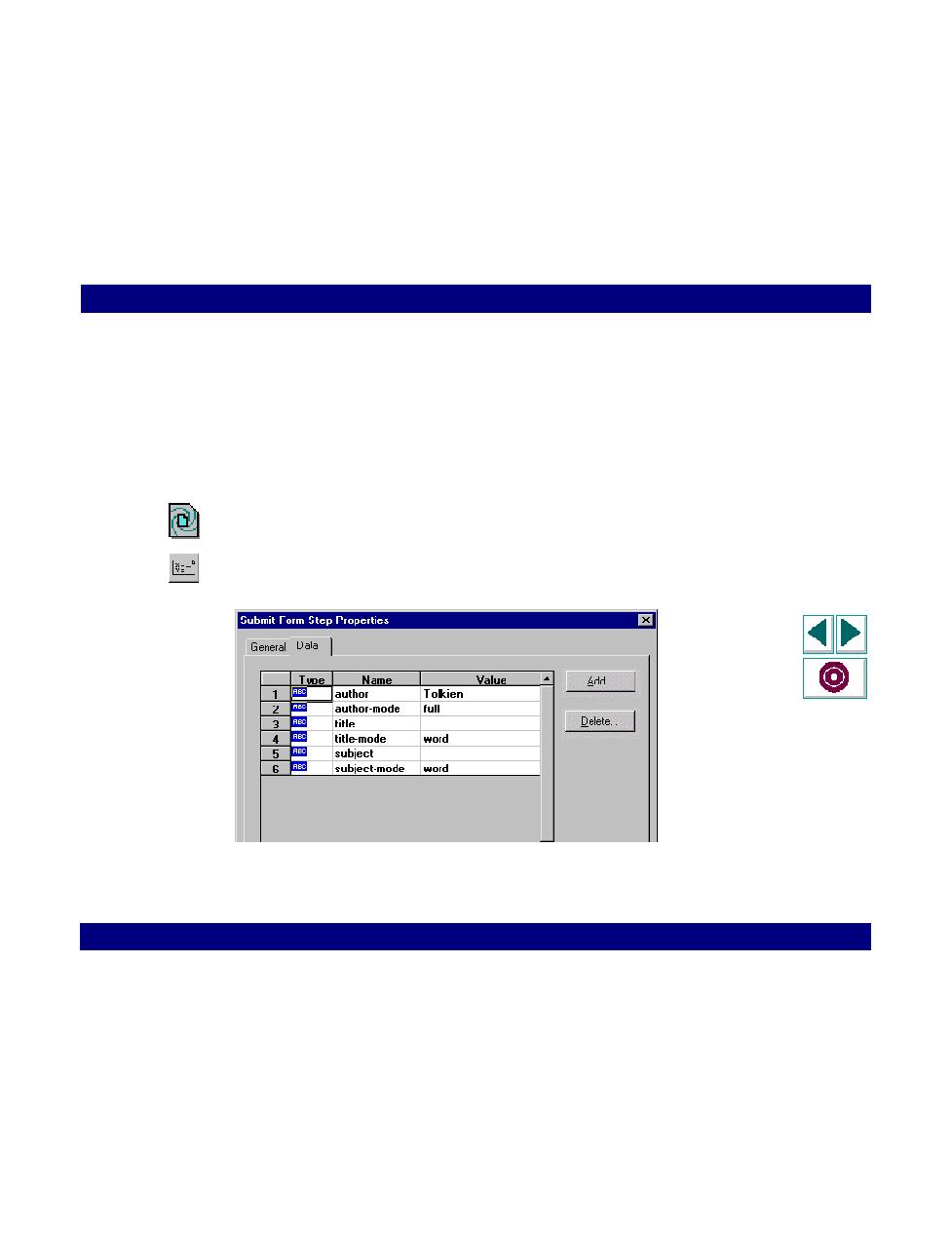
To modify the properties of a form submission step:
1
In the graphical Vuser script, select the icon for the form submission step that you
want to edit.
2
Click the Parameters button on the QuickTest toolbar. The Submit Form Step
Properties dialog box opens. Ensure that the Data tab is visible.
