Modifying a Hypergraphic Link Step
Creating Vuser Scripts
Chapter 22, page 362
Web Vuser Scripts · Modifying Web Vuser Scripts
In
Modifying a Hypergraphic Link Step
You can modify the properties of a hypergraphic link step in the graphical
representation of a Vuser script. The properties that you can modify are the name
of the step, and how the hypergraphic link is identified.
To modify the properties of a hypergraphic link step:
1
In the graphical Vuser script, select the icon for the hypergraphic link step that you
want to edit.
2
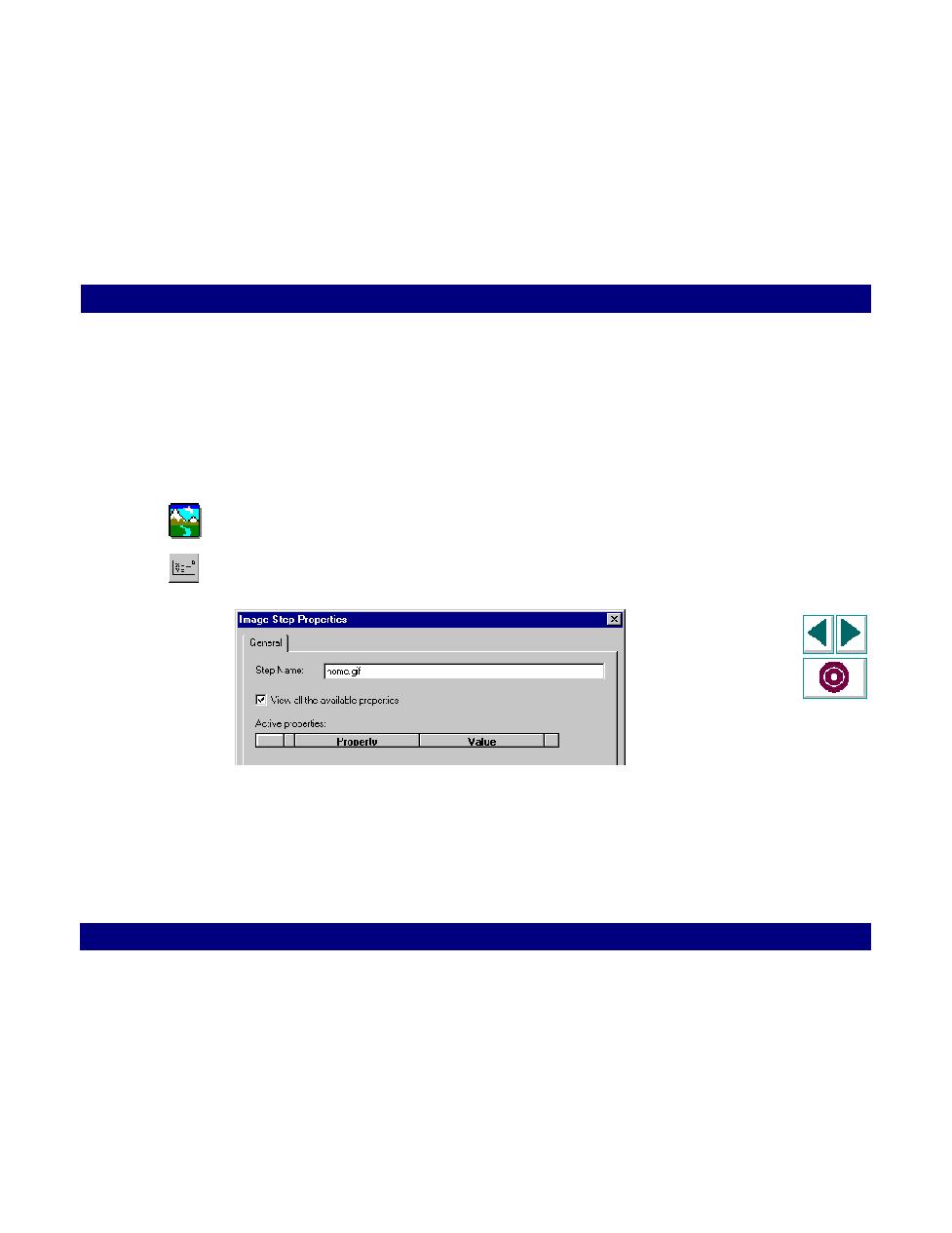
Click the Parameters button on the QuickTest toolbar. The Image Step Properties
dialog box opens. Ensure that the General tab is visible.
3
The Active properties box displays the property or properties that identify the link.
Clear the "View all the available properties" check box to view active and non
active properties. To enable a property, click the cell to the left of the property
name.
Edit the property by typing in the Value column:
