
Stimuli can have either names or signatures
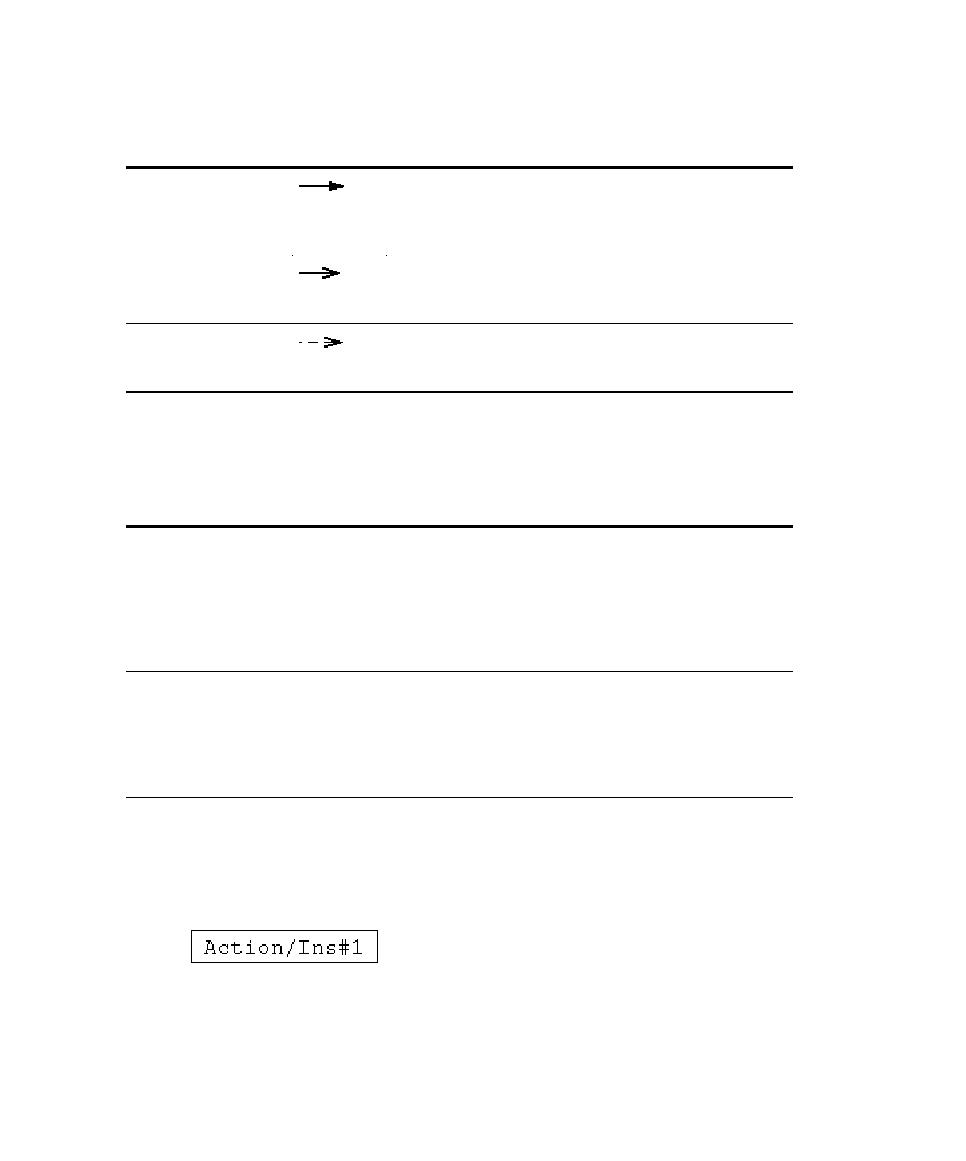
Nested Flow of
Control
flow of control. When calling a nested flow of control,
the system waits for the nested flow of control to
complete before continuing with the outer flow.
Control
The source object sends the stimulus and immediately
continues with the next step.
Procedure Call
stimulus can be omitted from diagrams because it is
assumed that every call has a return.
Simple names are often used in diagrams
developed during analysis because the stimuli are
identified by their responsibilities and not by their
operations. One convention uses double slashes
(//) to indicate that the stimulus name is not
associated with an operation.
can display the operation signature to identify the
name of the operation and its parameters.
Signatures are often used in diagrams developed
during design because the provide the detail that
developers need when they code the design.
the Text Editor at the corresponding line in the source code.