Set the output value settings
Lesson 6 · Creating Output Values
58
5 Set the output value settings.
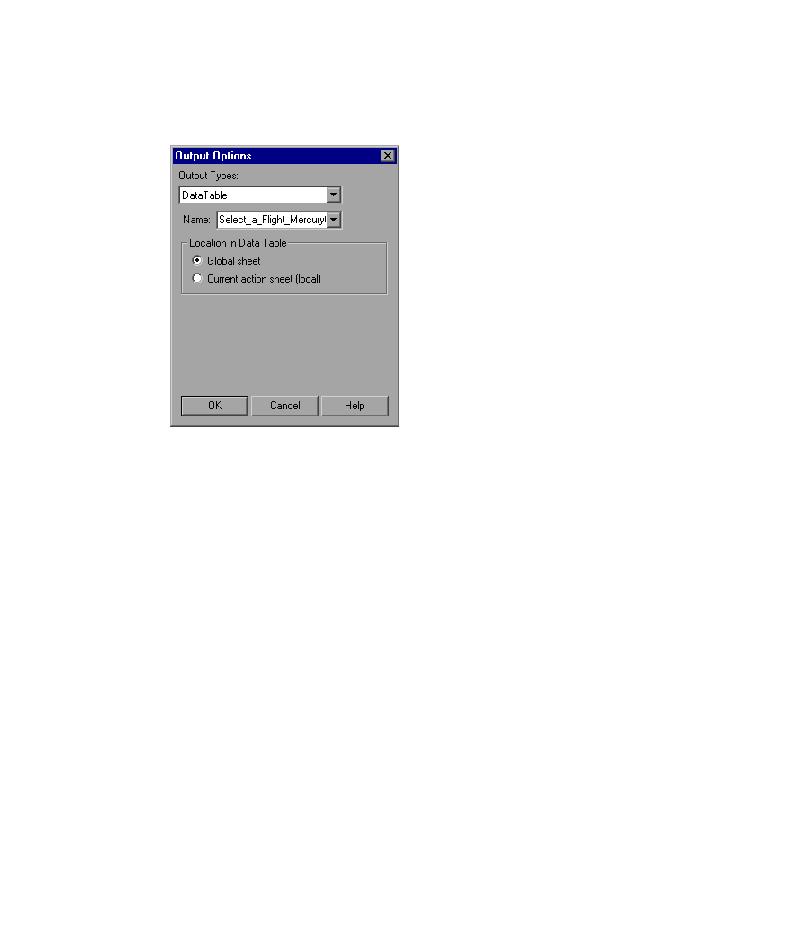
Click the Modify button to open the Output Options dialog box.
The Name box displays Select_a_Flight_MercuryOutput_Text_out. Change
this to
depart_flight_price
.
Click OK to accept the other default settings and close the Output Options
dialog box. Click OK again to close the Text Output Value Properties dialog
box. QuickTest adds the depart_flight_price column to the Data Table.
QuickTest adds the output value operation to the Select a Flight: Mercury
page in the Keyword View.
6 Modify the table checkpoint that checks the ticket price displayed in
the flight Summary table.
In the Keyword View, expand (+) Welcome:Mercury Tours >
Book a Flight: Mercury.
Right-click Checkpoint "New York to San Francisco", and select Checkpoint
Properties. The Table Checkpoint Properties dialog box opens.
